

🖼️ Image Resizer
Resize your images locally with high quality and fast processing
Drop your image here or click to browse
Supports JPG, PNG, GIF, WebP, and other common formats
Original Image
Resized Image
Introduction
Having trouble with pics that are too big for websites or social media? Huge photos can slow down your site and get turned down by platforms. A picture resizer fixes this common problem fast. This tool helps you change photo sizes while keeping them looking good for whatever you need. Our free online picture resizer lets anyone fix their photos without being a tech expert.
What’s a Picture Resizer?
A picture resizer is a tool that changes the size of a picture file. It can make pics bigger or smaller, depending on what you want. It keeps the picture looking right, so it doesn’t get stretched when you resize it. Some can also make the file size smaller without making the picture look bad. This makes pictures load faster on websites and take up less space on your stuff.
Why Resizing Pictures Matters Now
Good-sized pictures make things better for people on all websites. Websites with good pictures load way faster, which helps them show up higher in search results. Social media sites have rules for profile pictures and posts. Email needs smaller pictures so they send faster. Pro printing places need files with certain sizes to make good prints.
Cool Stuff About Our Picture Resizer
Our online picture resizer is easy to use. It works with all types of pictures, like JPG, PNG, and WebP. You can resize by pixels, or percentages, or set sizes with one click. It can do a bunch of pictures at once to save you time. It all happens safely in your browser, so nothing gets uploaded to other PCs.
When to Resize Pictures
Different situations need different picture sizes to look their best. Knowing this helps you resize photos better.
Social Media
Every social media site has its own picture size rules. Instagram posts look great at 1080×1080 pixels, and stories need to be 1080×1920. Facebook covers need to be 820×312 pixels. LinkedIn banners need to be 1128×191 pixels. Our resizer helps you hit these numbers every time.
Websites and Online Stores
Online stores need product pictures that look good but don’t take forever to load. Usually, 800×800 pixels is good for product pictures. Blog posts look good with pictures that are 1200×630 pixels. Website banners might need to be 1920×1080 pixels to fill the screen. Right sizes make things better for people and get them to buy more.
Work and Fun
Real estate people need to resize house pictures. Photographers change sizes for galleries and prints. Students resize pictures for school. People resize vacation pics to share with family through email and texts.
How to Resize Pictures in 4 Easy Steps
Our picture resizer makes it easy for everyone to fix their photos. It takes less than a minute.
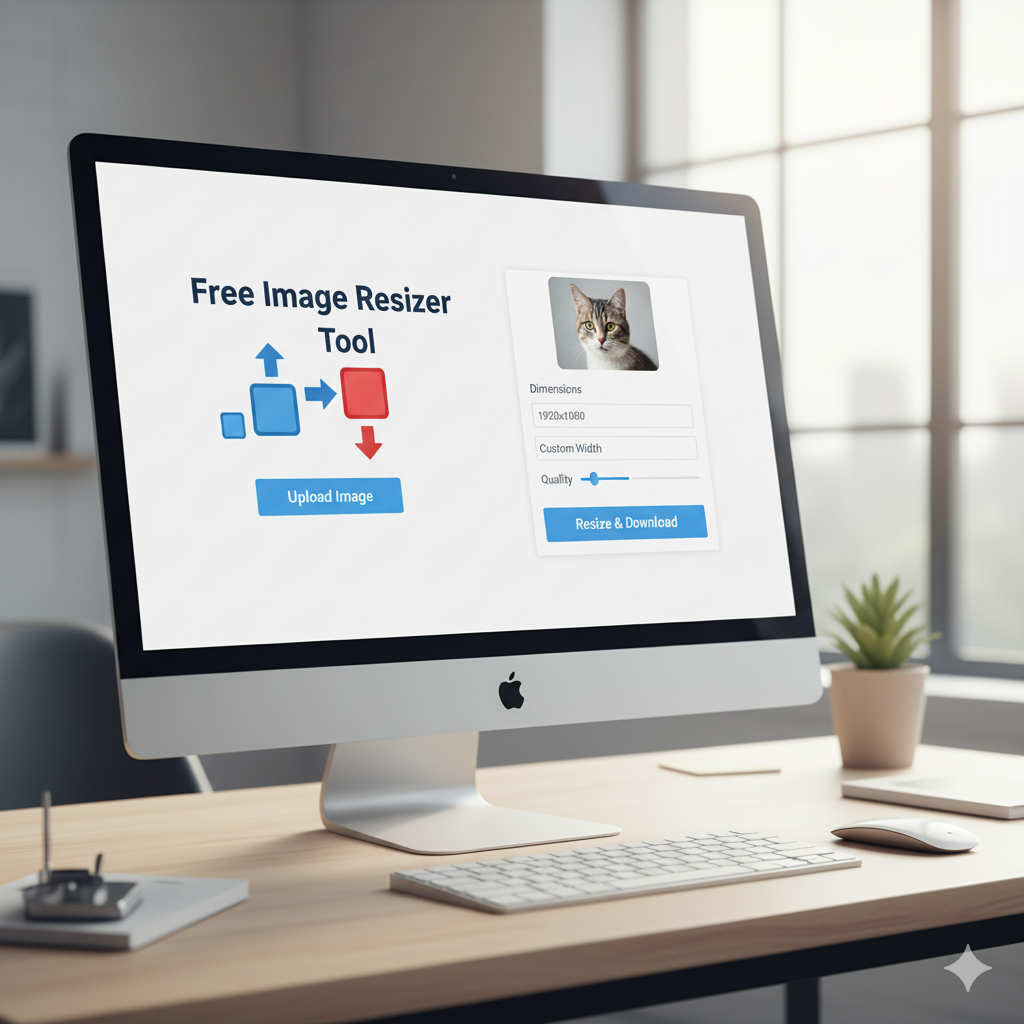
Step 1: Put in Your Picture
Click the upload button and pick your picture from your device. You can drag and drop to make it even easier. You can upload from computers, phones, or cloud places.
Step 2: Pick Your Size
Type in the width and height you want, or pick a percentage. Pick whether to keep the picture looking the same. Pick from common sizes for social media if you want.
Step 3: Change Quality
Set how good you want the picture to look. Pick if you want JPG, PNG, or WebP files. See how the picture will look before you’re done.
Step 4: Download Your New Picture
Click the download button to save your resized picture right away. Your original picture stays the same. Use your perfect-sized picture now for whatever you want.