

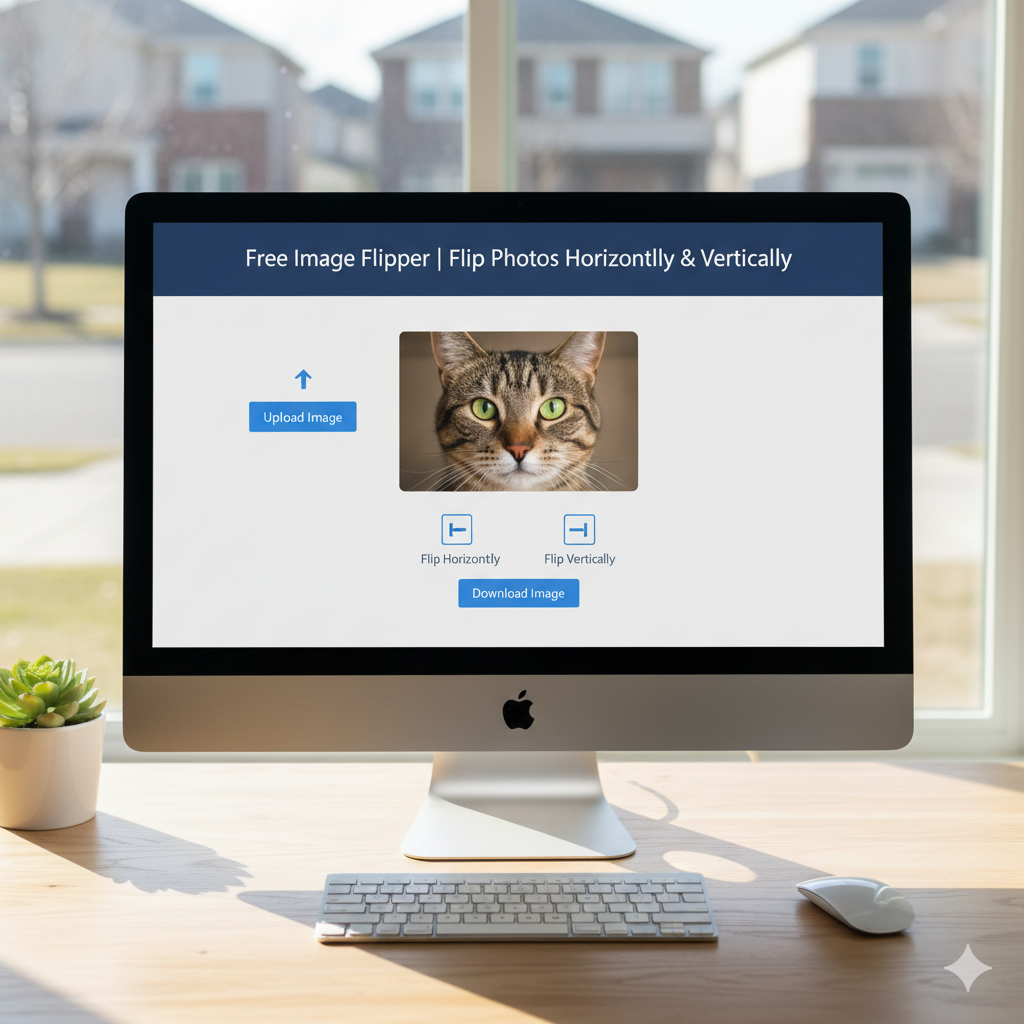
🔄 Image Flipper
Flip and rotate your images horizontally, vertically, or by any angle
Drop your image here or click to browse
Supports JPG, PNG, GIF, WebP, and other common formats
🔄 Rotation Controls
Original Image
Flipped/Rotated Image
📚 Flip History
Introduction
Ever take a photo that would be better if it was mirrored? Or need to fix a selfie that looks backward? An image flipper is a simple tool for this. It lets you mirror any photo with one click. Our free online tool helps photographers, designers, and social media folks change their photos fast for better looks and feel.
What’s an Image Flipper?
It’s a tool that mirrors your photo. It reverses the pixels on either the left & right or the top & bottom. A left & right switch is like looking in a mirror. A top &bottom switch turns the picture upside down. Your original file never gets touched.
Why Flip a Pic?
To flip a picture has creative and practical uses. It can help how a photo looks. Designers use it to make things even, like logos. Photographers use it to fix the angle or change where someone is looking. People on social media often flip selfies to show their good side, the way they’re used to seeing themselves in the mirror.
Left & Right vs. Top & Bottom: What’s the Difference?
Knowing which way to flip is important. Each way makes a different look.
What’s a Left & Right Flip?
It makes a mirror image. If someone was facing left, they’ll face right after the flip. Any words in the picture will be backward. This is mostly used for fixing selfies and how a photo looks.
What’s a Top & Bottom Flip?
It turns the picture upside down. Top becomes bottom. It’s not used as often. It can make cool, weird art or for projects that need an upside-down look.
Real Uses for Flipping Images
Flipping a picture has many uses that go beyond just editing. Designers flip stuff to make balanced designs easily. Online shops can show products from different views by flipping the same picture. Teachers use flipped pictures to make cool stuff to learn from. Even meme makers use it to make different takes on famous images to share.
How to Flip a Picture in 3 Easy Steps
Our online flipper is made to be super simple and fast. You can flip any picture in three steps.
Step 1: Upload Your Photo
Click the upload button to pick a picture from your computer, phone, or online storage. It works with JPG, PNG, and WebP. You don’t have to sign up or give any info.
Step 2: Pick Which Way to Flip
Pick if you want to flip the picture left & right or top & bottom. You’ll see how it will look, so you can make sure it’s right before you download it.
Step 3: Download Your Flipped Picture
Click the download button to save the flipped version to your device. The original picture stays where it was. Now you can use your flipped picture!